Podcast editing used to be the part creators tolerated rather than enjoyed. Cleaning up filler words, trimming long pauses, fixing messy remote audio, and balancing levels could easily take longer than the recording itself. AI podcast editing tools are changing that by turning repetitive post-production work into a faster, more approachable process, especially for solo podcasters, interview hosts, and small content teams.
The best tools do not just “edit with AI” as a vague promise. They solve specific podcast problems: transcript-based cutting, one-click speech enhancement, automatic silence removal, loudness normalization, and clip generation for repurposing. This list focuses on eight tools that stand out for real editing value, not just flashy AI labels.
1. Descript
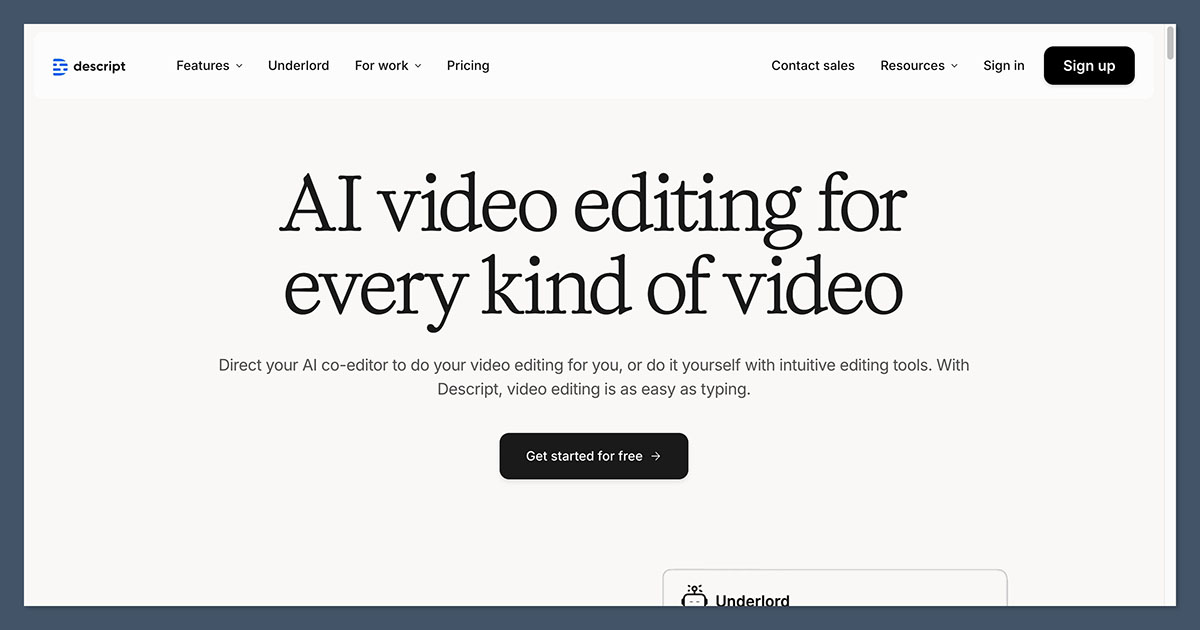
Descript is one of the best-known AI podcast editing tools because it lets you edit audio like a text document instead of a traditional waveform. It combines recording, transcription, editing, and repurposing features in one platform, which makes it especially attractive for podcasters who want a modern all-in-one workflow.
Who Descript is best for
Descript is best for podcasters who want speed and simplicity without learning a full audio workstation. It works particularly well for interview shows, creator-led podcasts, and teams that also publish video clips, because the transcript becomes the center of the editing process.
Key AI editing features
Its biggest strength is transcript-based editing: delete text, and the linked audio disappears with it. That alone can drastically reduce rough-cut time for spoken-word shows.
Descript also includes Studio Sound for background-noise reduction and voice enhancement, plus AI tools for removing filler words, trimming awkward silences, and generating social clips from finished episodes. These features make it one of the most complete AI-assisted editors for non-technical creators.
Pros and cons
| Pros | Cons |
| Text-based editing is intuitive for creators who think in scripts and transcripts rather than waveforms. | Heavily transcript-led editing can still require corrections when speech recognition misses names, accents, or crosstalk. |
| Strong AI toolkit, including Studio Sound, filler-word removal, and clip generation. | Power users may still prefer a traditional DAW for ultra-precise sound design or mixing. |
| Works well for both podcasts and video-first content teams. | Paid plans are necessary once you move beyond casual or test usage. |
Pricing and plans
| Plan | Price | Best for |
| Free | 0 USD/month | Testing transcript-based editing on short projects. |
| Hobbyist | 16 USD/month billed annually, or 24 USD month-to-month | Solo podcasters who need AI tools and regular editing hours. |
| Creator | 24 USD/month billed annually, or 35 USD month-to-month | Frequent creators, teams, and podcast-video workflows. |
Why Descript keeps winning
What makes Descript stand out is not one AI feature but the way it rethinks editing itself. For podcasters who want fewer technical hurdles and faster turnaround, it often feels less like a software switch and more like a workflow upgrade.
2. Adobe Podcast
Adobe Podcast is built around audio enhancement and voice-first production, which gives it a different feel from broader creator platforms. Its main appeal is that it helps recorded speech sound cleaner and more studio-like with very little manual effort.
The right fit for Adobe Podcast
Adobe Podcast is best for podcasters, interview hosts, and solo creators who record in imperfect environments and need quick audio cleanup more than deep editorial control. It is especially useful for remote interviews, webcam mics, and home-office recordings that need polish before publishing.
Key AI editing features
The headline feature is Adobe’s speech enhancement capability, which is designed to reduce noise and improve voice clarity. In practical terms, it helps turn less-than-ideal recordings into something much closer to publishable podcast audio.
Adobe Podcast also emphasizes easy recording and voice-focused production tools rather than heavy, engineer-level editing. That makes it appealing for creators who want “clean and clear” faster, even if they are not building a highly customized sound profile.
Pros and cons
| Pros | Cons |
| Excellent for improving dialogue quality from weak recording environments. | Not as full-featured for multitrack editing as more complete platforms. |
| Beginner-friendly approach to voice cleanup and enhancement. | Better as an enhancement-first tool than a full editorial workspace. |
| Strong choice for creators who care more about speech clarity than advanced production workflows. | Podcasters needing deep collaborative editing may outgrow it quickly. |
Pricing and plans
| Plan | Price | Best for |
| Free | 0 USD/month, with limited access depending on current Adobe terms. | Trying speech enhancement and lightweight voice cleanup. |
| Premium / Adobe-paid access | Pricing varies by Adobe plan and bundle. | Users already in Adobe’s ecosystem who want stronger access and integrations. |
Where Adobe Podcast earns its place
Adobe Podcast stands out when raw speech quality is the problem you need solved first. If your recordings are decent but noisy, roomy, or inconsistent, this tool can deliver one of the fastest audible improvements in the category.
3. Riverside

Riverside is known first as a remote recording platform, but its AI editing layer has made it much more relevant for podcasters who want to capture and clean up episodes in the same environment. It is especially strong for creators who record interviews, video podcasts, and distributed guest conversations.
Who Riverside is best for
Riverside is best for podcast hosts who regularly record remote guests and want studio-quality tracks without stitching together several tools later. It is also a practical choice for creators who care about repurposing, because recording, editing, clipping, and publishing live close together in the workflow.
Key AI editing features
Riverside includes text-based editing and AI tools such as Magic Audio, filler-word and silence removal, transcriptions, and automated clip generation. Those features help users move from raw conversation to polished episode much faster than a traditional manual process.
Because the platform is built around high-quality local recording, the AI cleanup tools often work from stronger source files than browser-call recordings on many general apps. That combination of recording quality and AI editing is a major part of its value.
Pros and cons
| Pros | Cons |
| Strong remote recording foundation with separate high-quality tracks. | Better value for recurring remote interview shows than simple solo audio workflows. |
| AI tools include Magic Audio, text-based editing, transcriptions, and silence/filler removal. | Costs rise once you need higher recording caps and premium output quality. |
| Excellent fit for video podcasts and repurposed social content. | Some creators may still prefer dedicated post-production tools for detailed mix work. |
Pricing and plans
| Plan | Price | Best for |
| Free | 0 USD/month | Testing remote recording and basic editing tools. |
| Pro | 24 USD/month billed annually, or 29 USD month-to-month | Regular podcasters needing high-quality recording and AI cleanup. |
| Live | 34 USD/month billed annually, or 39 USD month-to-month | Creators doing live streams and interactive recording workflows. |
What gives Riverside an edge
Riverside stands out because it solves two problems at once: capturing better audio and speeding up the edit after recording. For interview-heavy podcasts, that makes it more than an editor; it becomes the backbone of the whole production process.
4. Cleanvoice

Cleanvoice is a specialist rather than an all-in-one platform, and that is exactly why many podcasters like it. It focuses on removing repetitive audio annoyances that eat up editing time, especially filler words, mouth sounds, long pauses, and basic cleanup tasks.
Who Cleanvoice is built for
Cleanvoice is best for podcasters who already have a recording workflow but want to automate the dull cleanup stage. It suits solo podcasters, agencies, and editors who need to process spoken-word content faster without manually hunting down every “um” or dead space.
Key AI editing features
Its AI is designed to detect and remove filler words, stutters, mouth noises, and long silences automatically. That makes it highly practical for polishing dialogue-driven episodes before the final mix.
Unlike platforms that try to do everything, Cleanvoice leans into one job: taking rough voice recordings and making them cleaner with minimal setup. For some creators, that narrow focus is a strength because it reduces complexity.
Pros and cons
| Pros | Cons |
| Excellent at repetitive spoken-word cleanup like filler words and long pauses. | Not a full recording, editing, and publishing ecosystem. |
| Saves time for creators who already have a preferred production setup. | Less appealing if you want one tool to manage your entire podcast workflow. |
| Useful as a cleanup layer before final mastering or publishing. | Narrower feature scope than broader all-in-one rivals. |
Pricing and plans
| Cleanvoice plan | Approx. price | What it includes |
| Pay‑as‑you‑go credits | From about 10 USD for 5 hours (≈2 USD/hour) | One‑off credit packs to process a fixed number of audio hours without a subscription. |
| Entry subscription | Around 10–11 USD/month for ~10 hours | Automatic removal of filler words, silences, and mouth sounds for light monthly usage. |
| Mid subscription | Roughly 20–30 USD/month for ~20–30 hours | Extra monthly capacity for regular podcasters or small production teams. |
| High‑volume subscription | Around 40–80 USD/month for ~50–100 hours | Designed for agencies and heavy users handling a large number of episodes. |
What makes Cleanvoice appealing
Cleanvoice stands out because it does not ask podcasters to rebuild their entire workflow around a new app. If the main pain point is cleanup rather than editing philosophy, it can be one of the easiest AI tools to slot into an existing process.
5. Alitu

Alitu is designed for podcasters who want production to feel simpler, not deeper. It combines recording, cleanup, hosting-adjacent workflow features, and easy assembly in a way that is intentionally approachable for non-engineers.
Who Alitu works best for
Alitu is best for beginners and busy creators who want a guided, low-friction path from recording to finished episode. It is particularly useful for podcasters who do not want to manage a complex stack of separate recording, editing, leveling, and publishing tools.
Key AI editing features
Alitu automates common audio tasks such as leveling and cleanup, helping podcasters avoid spending time on technical adjustments they may not fully understand. It is built around making episodes sound presentable and consistent without requiring deep production knowledge.
Its automation is less about flashy AI branding and more about reducing the number of manual steps between raw audio and a publish-ready file. That makes it practical for users who want reliability over endless tweaking.
Pros and cons
| Pros | Cons |
| Beginner-friendly workflow with helpful automation. | Less flexible than advanced editors for detailed sound shaping. |
| Good fit for creators who want one streamlined podcast production environment. | May feel limiting for audio professionals or complex narrative shows. |
| Reduces technical barriers around leveling and episode prep. | Not the cheapest option if you only need one narrow function. |
Pricing and plans
| Alitu plan | Approx. price | What it includes |
| Monthly subscription | About 38 USD/month | All‑in‑one podcast production, automated cleanup and leveling, plus basic hosting and publishing for smaller shows. |
| Annual subscription | Equivalent to ~31–32 USD/month (billed yearly) | Same features as monthly, but cheaper overall, typically with around 2 months free and a 7‑day free trial. |
Why Alitu remains useful
What makes Alitu stand out is its reduction of decision fatigue. Instead of offering dozens of production paths, it gently pushes the user toward a clean, efficient workflow that gets episodes out the door faster.
6. Auphonic
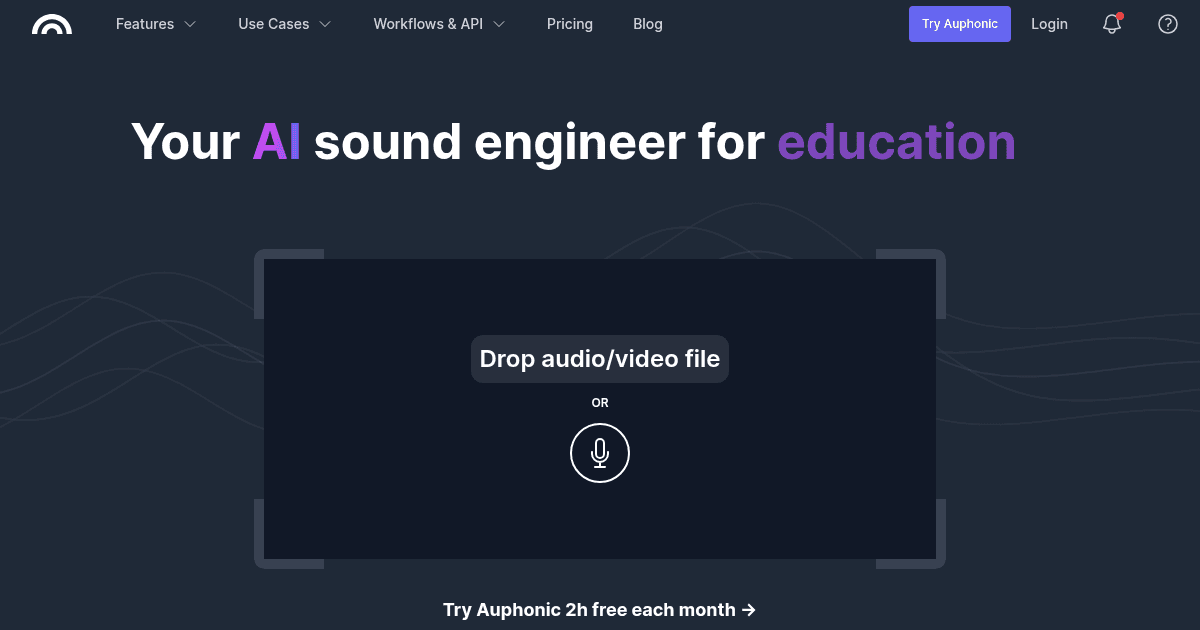
Auphonic has been a staple in podcast post-production for years because it automates one of the most technical parts of audio finishing: loudness normalization and overall post-processing. Even as newer AI tools arrive, it remains highly relevant for podcasters who care about consistent, clean output.
Who Auphonic is best for
Auphonic is best for podcasters who already record and edit elsewhere but want dependable final audio processing before release. It is especially valuable for spoken-word creators who need consistent levels across hosts, guests, and episodes without doing detailed mastering by hand.
Key AI editing features
Its core strength is automated audio post-production, including normalization and speech-focused enhancement. That helps episodes hit a more even, professional listening level without the creator constantly adjusting compression and loudness settings manually.
Auphonic is not the most glamorous editor in the category, but it is one of the most useful from a pure finishing standpoint. Many creators use it as the final polish layer even if the main edit happens elsewhere.
Pros and cons
| Pros | Cons |
| Excellent for automated loudness normalization and finishing. | Not built as a full transcript-first or text-editing platform. |
| Strong fit as a post-production companion to other editing tools. | Interface and workflow feel more utilitarian than newer creator platforms. |
| Reliable for spoken-word consistency across episodes and guests. | Better as a specialist layer than an all-in-one solution. |
Pricing and plans
| Auphonic plan | Approx. price | What it includes |
| Free tier | 0 USD for around 2 hours of processing/month | Limited monthly credits to test loudness normalization and automatic post‑production. |
| Auphonic S | About 11 USD/month | Additional processing time beyond the free tier, suitable for small, recurring shows. |
| Auphonic M | About 23 USD/month | More monthly processing hours for podcasters with a regular release schedule. |
| Auphonic L | About 45 USD/month | Higher processing limits aimed at busier creators and small studios. |
| Auphonic XL | About 89 USD/month | Large processing pool built for agencies or high‑volume production environments. |
What keeps Auphonic relevant
Auphonic stands out because it tackles the last-mile quality issues that listeners notice immediately: uneven loudness, inconsistent presence, and rough output. It is often the tool podcasters keep using long after switching everything else.
7. Hindenburg Pro

Hindenburg Pro comes from a more traditional audio-editing background, but it has long been respected for spoken-word production. It is often favored by serious podcasters, radio producers, and narrative audio creators who want a professional editor built around voice.
Who Hindenburg Pro is best for
Hindenburg Pro is best for experienced podcasters, journalists, and audio storytellers who need more editorial control than lightweight AI tools provide. It suits creators working on documentary-style episodes, interview-heavy productions, and shows where pacing, layering, and narrative structure matter as much as cleanup.
Key AI editing features
Hindenburg’s strength is not trying to replace the editor but accelerating spoken-word production with tools tailored to voice content. It supports workflows that feel more precise and editorially intentional than beginner-first platforms.
That makes it especially valuable for creators who want AI assistance and efficiency, but not at the expense of nuanced storytelling decisions. It sits closer to the professional end of podcast production.
Pros and cons
| Pros | Cons |
| Built specifically for spoken-word editing and storytelling. | More demanding than beginner-first AI editors. |
| Better suited to editorially complex podcasts and narrative formats. | Less “instant gratification” than simple one-click cleanup tools. |
| A strong bridge between AI efficiency and professional control. | Upfront cost can be harder to justify for casual hobbyists. |
Pricing and plans
| Plan | Price | Best for |
| Lite | 99 USD one-time license | Simpler spoken-word editing needs. |
| Pro | 399 USD one-time license | Advanced podcasting, radio, and documentary workflows. |
Why Hindenburg Pro still matters
Hindenburg Pro stands out because it respects the craft side of podcast editing. For creators who want cleaner workflows without giving up editorial precision, it often feels more serious and purpose-built than trendier AI-first apps.
8. Podcastle

Podcastle blends recording, editing, and AI assistance into a creator-friendly package that appeals to podcasters and video creators alike. It is often seen as a practical middle ground between lightweight web tools and more advanced all-in-one platforms.
Who Podcastle is best for
Podcastle is best for creators who want an affordable, accessible tool that covers both recording and post-production without becoming too technical. It is a good fit for solo podcasters, YouTubers with audio-first shows, and creators who want an easy Descript alternative.
Key AI editing features
Podcastle’s AI value comes from simplifying voice recording and cleanup while keeping the interface approachable. It is designed to help creators move quickly from capture to polished output without deep engineering knowledge.
That balance makes it attractive to users who want modern editing conveniences but do not necessarily need enterprise-grade collaboration or documentary-level complexity.
Pros and cons
| Pros | Cons |
| Accessible and creator-friendly, with a lighter learning curve than many pro tools. | Less powerful than premium tools for advanced multitrack or team workflows. |
| Good value positioning compared with some higher-priced rivals. | Some creators may outgrow it as production complexity rises. |
| Useful for both podcast and creator-content workflows. | Not as specialized in one area as niche cleanup or mastering tools. |
Pricing and plans
| Podcastle plan | Approx. price | What it includes |
| Free plan | 0 USD/month, with limited recording and AI use | Starter access to recording and basic AI editing so you can trial the platform. |
| Solocast | About 23.99 USD/month | Designed for individual podcasters, with more generous recording and export limits. |
| Pro | About 29.99 USD/month | Higher limits and advanced features for more serious creators or small teams. |
What makes Podcastle easy to recommend
Podcastle stands out because it offers a balanced experience: modern, approachable, and capable without feeling bloated. For many independent creators, that middle ground is exactly what makes it practical.
Tools comparison
| Tool | Best for | Standout strength | Starting price |
| Descript | Transcript-led editing and all-in-one creation | Edit audio like text, plus Studio Sound and filler removal | 0 USD/month free; paid from 16 USD/month billed annually |
| Adobe Podcast | Fast speech enhancement and cleanup | Voice clarity improvement from imperfect recordings | Free tier available; paid access varies by Adobe bundle |
| Riverside | Remote interview podcasts and video podcasts | High-quality recording plus AI editing in one workflow | 0 USD/month free; paid from 24 USD/month billed annually |
| Cleanvoice | Automated spoken-word cleanup | Removes filler words, mouth sounds, and long silences | Pricing varies by plan and usage |
| Alitu | Beginner-friendly podcast production | Streamlined workflow with automated cleanup and leveling | Pricing varies by current plan |
| Auphonic | Final audio polish and normalization | Automated loudness and post-production consistency | Limited free use; paid by processing needs |
| Hindenburg Pro | Serious spoken-word and narrative editing | Professional voice-first editing environment | Lite 99 USD, Pro 399 USD one-time |
| Podcastle | Affordable all-in-one creator workflow | Easy balance of recording, editing, and AI assistance | Pricing varies by current offer |
Which one should you choose?
Descript is still the strongest all-round choice for most podcasters because it combines transcript editing, cleanup, and content repurposing in one place. Riverside is the smarter pick for remote interview shows, while Adobe Podcast is especially appealing when speech enhancement is the main problem to solve.
Cleanvoice and Auphonic make sense as specialist layers when you already like your main editor but want faster cleanup or more consistent audio finishing. Hindenburg Pro is the best fit for spoken-word professionals, Alitu is ideal for beginners who want less friction, and Podcastle offers a solid middle ground for creators who want a simpler all-in-one setup.
Final Verdict
The best AI podcast editing tool is not always the one with the most AI features; it is the one that removes the most friction from your workflow. For most creators, Descript and Riverside lead the pack because they combine speed, clarity, and modern editing convenience, while tools like Cleanvoice, Auphonic, and Hindenburg Pro prove that specialist software can still be the smartest choice when you know exactly what part of podcast editing you want AI to handle.