YouTube Shorts rewards speed, consistency, and sharp execution. The creators growing fastest are not always filming more, they are building workflows that let them script faster, clip smarter, caption automatically, and repurpose long videos into multiple short-form assets with much less manual effort.
That is where AI tools have become genuinely useful. The best ones do not just “edit video”; they solve specific Shorts problems such as finding highlight moments, reframing horizontal footage, generating captions, improving hooks, and helping creators publish more frequently without sacrificing quality.
Quick Tools Overview
The strongest AI tools for YouTube Shorts in 2026 are OpusClip, MakeShorts, CapCut, YTZolo, Vizard, Munch, Submagic, and Klap. Some are built for full editing, some for auto-clipping, and some for scripting, captions, or strategy, which is why the best choice depends on whether the creator is repurposing long videos or producing Shorts-first content.
| Tool | Best use | Starting price |
| OpusClip | Repurposing long videos into Shorts | From $14.50/month billed annually, or $29 monthly pack pricing shown publicly |
| MakeShorts | Fast link-to-Shorts conversion | From $9/month, or around $6/month yearly |
| CapCut | Full editing and AI-assisted polishing | Free; Pro commonly listed at $7.99/month |
| YTZolo | Shorts ideas, titles, scripts, packaging | Premium pricing varies; commonly positioned in the paid creator-tools tier |
| Vizard | Webinars, tutorials, talking-head repurposing | Free tier; paid plans from $14.50/month |
| Munch | Multi-platform repurposing with insights | Around $48–$49/month |
| Submagic | Animated captions and text polish | From $12–$14/month depending on source and plan |
| Klap | Automated Shorts from long content | Typically grouped in the ~$10–$25/month range |
1. OpusClip
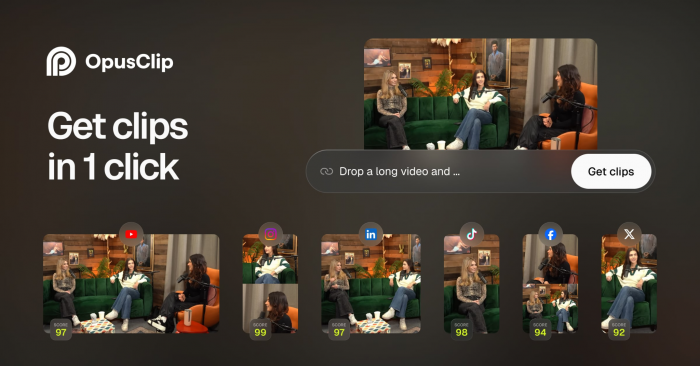
OpusClip is one of the most useful AI tools for creators who already publish long-form YouTube videos, podcasts, webinars, or interviews and want Shorts to become a content multiplier rather than a separate editing task. Its core strength is automatic clip selection: the platform detects strong moments, reframes them vertically, adds captions, and turns one long video into several social-ready clips with very little manual effort.
That speed is what makes OpusClip attractive. For creators publishing educational, interview, podcast content, or commentary content, it can dramatically reduce the time spent scrubbing through timelines to find highlights. The trade-off is control: AI-chosen clips are often good, but not always the exact moments a creator would select by hand, especially in nuanced or story-heavy content.
| OpusClip details | Information |
| Main features | AI clipping, vertical reframing, auto-captions, social-ready exports |
| Main advantage | Fastest way to turn long videos into multiple Shorts |
| Limitation | Can miss context or choose clips that need refinement |
| Pricing | Public pricing page shows $14.50/month on annual billing and $29 monthly pack pricing for Pro access |
| Best for | Podcasters, educators, interview channels, long-form YouTubers |
2. MakeShorts
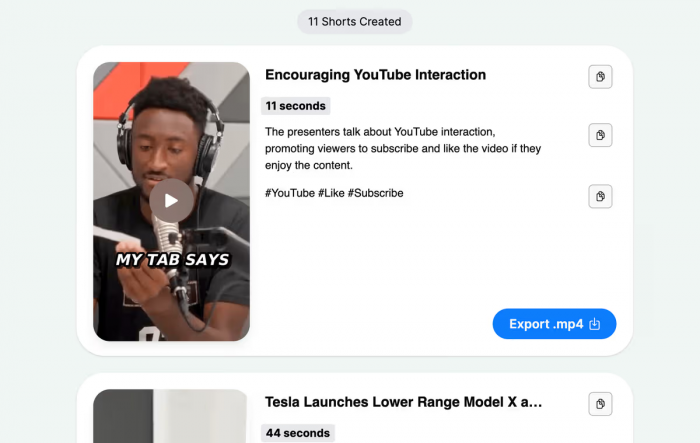
MakeShorts is more focused and simpler. It is designed for creators who want to paste in a YouTube link and get vertical clips with captions, reframing, and minimal editing steps in between. That makes it appealing for solo creators who care more about publishing quickly than about deep timeline editing.
Its strongest use case is straightforward content: talking-head videos, tutorials, commentary, and educational uploads where the AI can clearly identify the subject, pace the clip, and frame the speaker correctly. The limitation is that it is not a substitute for a full editor, so creators producing visually layered Shorts with heavy transitions, B-roll logic, or creative pacing may outgrow it.
| MakeShorts details | Information |
| Main features | Link-to-Shorts conversion, captions, reframing, auto clipping |
| Main advantage | Very fast and beginner friendly |
| Limitation | Less control for visually complex edits |
| Pricing | Lite plan from $9/month, yearly equivalent around $6/month |
| Best for | Solo creators, tutorial channels, educational content |
3. CapCut
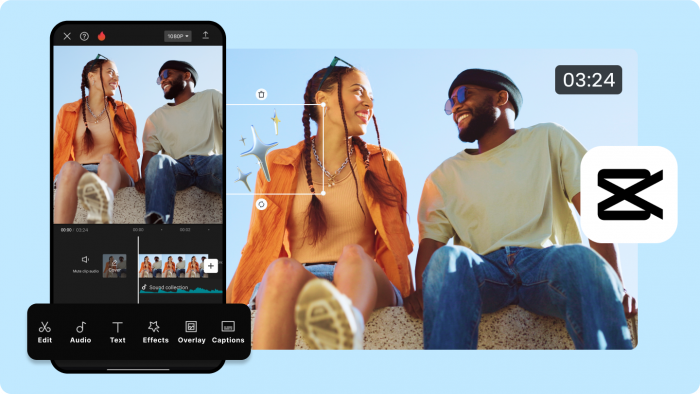
CapCut remains one of the strongest all-round tools for YouTube Shorts because it combines AI features with the flexibility of a real video editor. Auto-captions, AI voiceovers, background removal, vertical templates, and smart social formatting make it one of the easiest ways to create Shorts that actually look polished rather than auto-generated.
The reason CapCut stays relevant is control. Unlike one-click clip generators, it gives creators the ability to fine-tune pacing, transitions, sound design, hooks, and visuals in a way that feels far more brandable. The weakness is time: CapCut is better when the creator wants to shape the final output, not just automate it.
| CapCut details | Information |
| Main features | Full editor, auto-captions, templates, voiceovers, AI effects |
| Main advantage | Best mix of creative control and AI convenience |
| Limitation | More manual work than auto-clippers |
| Pricing | Free plan available; Pro widely listed at $7.99/month, with some sources showing higher tiers depending on plan type |
| Best for | Creators who want polished, branded, visually strong Shorts |
4. YTZolo
YTZolo belongs to a different category from most tools on this list. It is less about editing footage and more about helping creators decide what kind of Shorts to make, how to title them, what angle to use, and how to package them for better discovery. For creators who already edit well but struggle with hooks, titles, thumbnails, or trend alignment, this kind of AI assistance can be more valuable than another clipping tool.
Its biggest strength is strategic support. Instead of only helping after the video exists, YTZolo can help earlier in the process by shaping the topic, hook, and positioning. Its limitation is just as clear: it does not replace an editing workflow, so it works best alongside a tool like CapCut or OpusClip rather than instead of one.
| YTZolo details | Information |
| Main features | AI titles, scripts, thumbnails, topic and hook support |
| Main advantage | Helps improve packaging and click potential before editing |
| Limitation | Not a full video editor |
| Pricing | Paid creator-tool positioning; exact public plan visibility varies |
| Best for | Creators who need better topic selection, hooks, and Shorts packaging |
5. Vizard
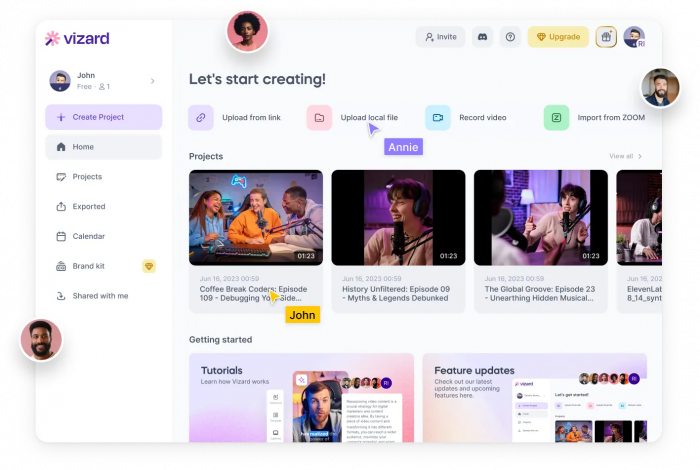
Vizard is especially strong for creators and teams repurposing webinars, demos, tutorials, and screen-recorded content into short clips. It combines auto-clipping with a workflow that feels more business-friendly and educational than entertainment-first, which makes it especially useful for SaaS brands, agencies, and thought-leadership channels.
Its standout advantage is that it makes serious long-form content easier to reuse across vertical platforms without requiring a traditional editor for every clip. It is less ideal for creators who rely on highly stylized visual storytelling, since its workflow is optimized more for efficiency than for expressive editing.
| Vizard details | Information |
| Main features | AI-generated clips, social scheduling, editor, captions |
| Main advantage | Excellent for webinars, demos, and educational repurposing |
| Limitation | Less suited to highly cinematic entertainment editing |
| Pricing | Free tier available; paid plans from $14.50/month according to G2 pricing data |
| Best for | SaaS, B2B, coaches, educators, webinar-heavy channels |
6. Munch
Munch is aimed more at serious creators, marketers, and brands than casual editors. It does not just create short clips; it also leans into multi-platform optimization and content intelligence, helping teams decide which moments are most likely to perform across different social channels.
That makes it a stronger fit for creators with scale. If a team is publishing long-form content consistently and wants Shorts, Reels, and other social clips as part of a structured distribution strategy, Munch can make that workflow much more efficient. The downside is cost: it is significantly more expensive than tools like MakeShorts or CapCut, so smaller creators may not get enough value from it early on.
| Munch details | Information |
| Main features | AI clipping, cross-platform optimization, trend-aware repurposing |
| Main advantage | Strong for scaling content across multiple social platforms |
| Limitation | High pricing for solo or early-stage creators |
| Pricing | Around $48–$49/month |
| Best for | Agencies, brands, multi-platform creator businesses |
7. Submagic
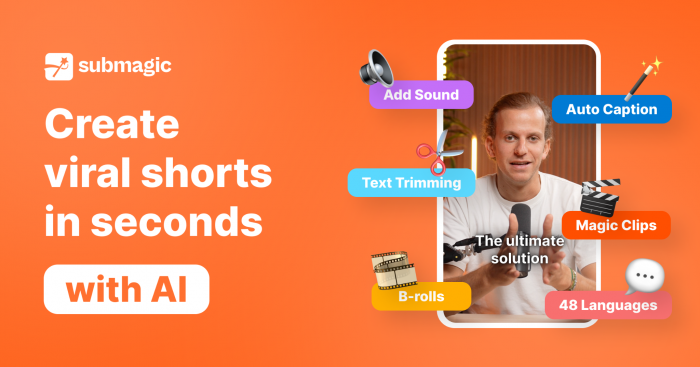
Submagic is not a full editor in the traditional sense, but it solves one of the most important Shorts problems exceptionally well: captions that actually look engaging. For many talking-head or educational Shorts, the caption style is not a minor detail; it is a major retention tool, especially when viewers are scrolling quickly or watching with low volume.
That is why Submagic stands out. It turns plain subtitles into motion-driven, visually styled text that can make even simple clips feel more dynamic. Its limitation is specialization: most creators will still need another tool for trimming, B-roll, transitions, or full edit assembly.
| Submagic details | Information |
| Main features | Auto captions, animated captions, AI hook titles, audio cleanup |
| Main advantage | Makes speech-driven Shorts more visually engaging |
| Limitation | Best as a complement, not a complete editor |
| Pricing | Public sources list plans from $12/month to $14/month for starter tiers, with higher creator plans above that |
| Best for | Talking-head creators, educators, commentary channels |
8. Klap
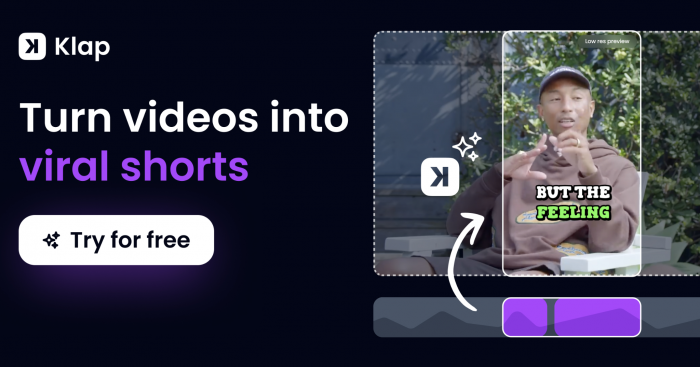
Klap is one of the strongest choices for creators who want scale and speed from long-form content. It automatically identifies moments worth clipping, reformats them for vertical video, and gives users a fast route from long upload to multiple Shorts-style assets. It sits in a similar category to OpusClip, but many creators consider it when comparing automation-first tools for social repurposing.
Its appeal is straightforward: creators do not need to spend hours cutting content manually just to maintain a Shorts cadence. The drawback is the usual automation trade-off clips often need human judgment before publishing, especially if the creator has a strong voice, brand tone, or storytelling structure.
| Klap details | Information |
| Main features | Auto clipping, vertical reframing, social-ready output |
| Main advantage | Efficient high-volume Shorts production |
| Limitation | Automation still benefits from manual review |
| Pricing | Often grouped in the AI clipper range of roughly $10–$25/month depending on plan and export volume |
| Best for | Streamers, podcasters, volume-focused YouTube creators |
How the tools compare
If the goal is full creative control, CapCut remains the best overall editing environment on this list. If the goal is automation from long-form content, OpusClip, MakeShorts, and Klap are stronger picks because they reduce the manual workload dramatically. If the goal is strategy and packaging, YTZolo fills a different but important gap by helping creators come up with stronger hooks, scripts, and title ideas before the edit even starts.
For more speech-driven channels, Submagic adds standout caption quality that can improve retention and make simple clips feel more alive. For teams, agencies, and businesses working across multiple platforms, Munch and Vizard offer more systematized repurposing and distribution workflows than most consumer-first editors.
Best picks by creator type
● Long-form YouTubers: OpusClip or Klap.
● Tutorial and talking-head creators: MakeShorts plus Submagic.
● Creators who care about visual polish: CapCut.
● Teams and B2B creators: Vizard or Munch.
● Creators who struggle more with ideas than editing: YTZolo.
Closing take
The best AI tool for YouTube Shorts is not the one with the most features; it is the one that removes the biggest bottleneck in your workflow. For most creators, CapCut is still the strongest all-round choice because it balances AI help with real editing control, while OpusClip is the best shortcut for turning long-form content into a steady stream of Shorts. MakeShorts is a smart lightweight option for speed, Submagic is excellent for caption-heavy formats, and Munch or Vizard make the most sense when Shorts are part of a larger content distribution system.