AI subtitle generation has evolved far beyond simple captions at the bottom of a screen. Today, subtitles influence retention, watch time, accessibility, silent viewing behavior, international reach, and even short-form algorithm performance. A well-captioned video often performs better not because the subtitles look attractive, but because viewers stay engaged longer.
The challenge is that subtitle tools are no longer solving the same problem. Some are built for fast TikTok-style or Instagram captions. Some are designed for podcast transcription. Others focus on multilingual localization, collaborative editing, or viral-style subtitle animation.
This guide breaks the workflow into five real creator and marketing categories. Each category contains two tools that fit naturally into that stage of video production.
Fast Social Captioning Tools
These tools are best for creators publishing high volumes of Instagram Reels, TikToks, Shorts, and social clips where subtitle speed matters more than enterprise-level editing controls.
1. CapCut
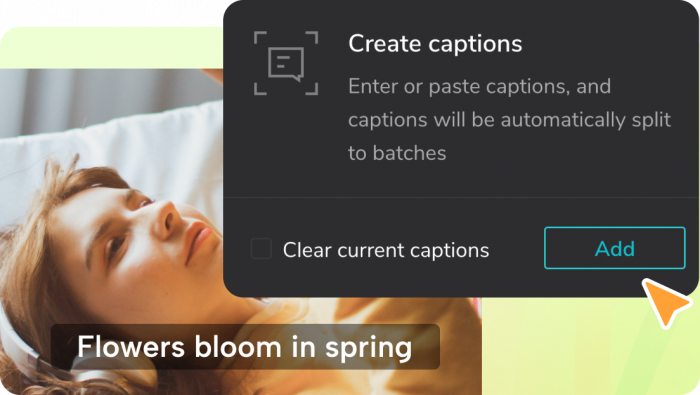
CapCut has become one of the most common subtitle workflows for short-form creators because caption generation sits directly inside the editing process. Instead of exporting clips between multiple tools, users can trim videos, add effects, apply music, generate captions, and export social-ready content from one interface.
The platform works especially well for creators producing daily content because the subtitle process feels lightweight and fast. Animated subtitle presets, keyword highlighting, auto-caption timing, and vertical-video optimization make it ideal for TikTok and Instagram-style content. For beginners, the learning curve is also much smaller than professional editing suites.
Where CapCut becomes weaker is long-form subtitle management. Transcript editing, collaboration, subtitle version control, and multilingual workflows are still limited compared to more professional systems. It is strongest when speed matters more than detailed subtitle precision.
CapCut Pricing
| Plan | Price |
| Free | $0 |
| Pro Monthly | Around $19.99/month |
| Pro Annual | Around $179.99/year |
2. Zubtitle
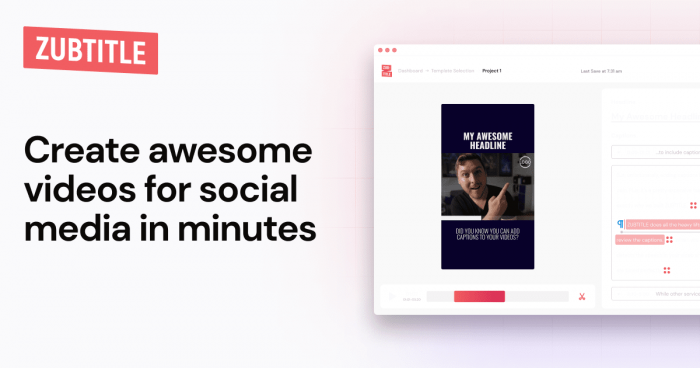
Zubtitle takes a different approach from CapCut. Instead of trying to become a complete video editor, it focuses specifically on business-friendly subtitle workflows for social media videos.
The platform is especially useful for coaches, marketers, agencies, consultants, and LinkedIn creators who produce large amounts of talking-head content. In addition to subtitles, it can automatically add progress bars, headlines, branded layouts, and social-friendly formatting.
One of Zubtitle’s biggest strengths is consistency. Teams can create repeatable visual formats quickly without spending time manually designing every video. However, advanced editors may find the platform creatively restrictive. It is optimized for efficient publishing rather than cinematic editing flexibility.
Zubtitle Pricing
| Plan | Price |
| Free Trial | Limited access |
| Standard | Around $19/month |
| Premium | Around $49/month |
| Agency/Business | Custom pricing |
AI Subtitle Tools for Podcasts and Long-Form Videos
Long-form content creates different subtitle challenges. Podcasts, webinars, interviews, and educational videos require better transcript management, speaker detection, and correction workflows.
3. Descript
Descript changed subtitle workflows by allowing creators to edit video through text instead of traditional timelines. Users can edit transcripts directly, and the video updates automatically. For podcasts and interview-heavy content, this dramatically reduces editing time.
Its strongest advantage is workflow integration. Subtitle generation exists alongside transcription, speaker detection, filler-word removal, screen recording, AI voice cleanup, and collaborative editing. This makes Descript particularly attractive for podcasters, YouTubers, educators, and remote production teams.
The platform does require more onboarding than lightweight caption tools. Someone looking for simple TikTok captions may find it unnecessarily complex. But for serious long-form creators, the time savings become substantial once the workflow is learned.
Descript Pricing
| Plan | Price |
| Free | $0 |
| Hobbyist | $16/month annually |
| Creator | $24/month annually |
| Business | Custom pricing |
4. Sonix
Sonix focuses more heavily on transcript accuracy and multilingual subtitle management than creator aesthetics. It performs especially well for interviews, educational recordings, webinars, conferences, and research-heavy content where searchable transcripts matter.
The platform’s speaker detection, timestamp handling, transcript organization, and export flexibility are strong enough for professional workflows. It also supports multiple languages, making it useful for international content operations.
However, Sonix is not designed for visually engaging social captions. The interface feels more functional than creative, and creators looking for animated subtitle styles may find it too transcription-oriented.
Sonix Pricing
| Plan | Price |
| Standard | Around $10/hour transcription |
| Premium Subscription | Around $22/month plus usage |
| Enterprise | Custom pricing |
Viral Caption and Engagement-Focused Tools
These platforms treat subtitles as attention-retention tools instead of simple accessibility layers. Their goal is to make videos feel faster, more engaging, and more optimized for short-form consumption.
5. Submagic
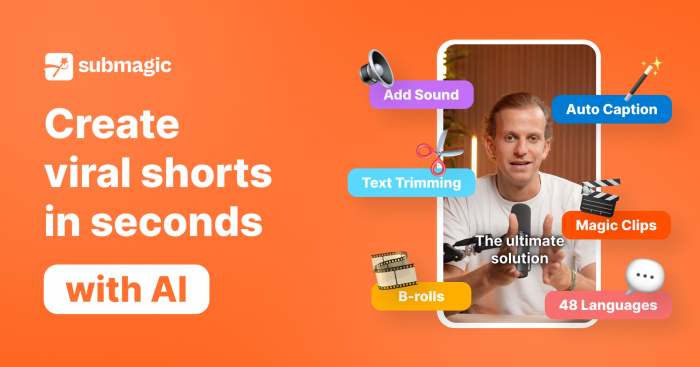
Submagic has become popular among creators because it understands modern short-form editing patterns unusually well. The platform automatically adds stylized captions, keyword emphasis, emojis, zoom effects, and social-style pacing that resemble successful TikTok and Shorts edits.
It is particularly useful for podcast clipping workflows where creators turn long conversations into highly edited short-form content. Instead of manually designing captions frame by frame, creators can generate polished clips quickly.
The tradeoff is that the visual style can become repetitive. Many videos edited through automated systems start to look similar after a while, especially when creators rely heavily on default templates.
Submagic Pricing
| Plan | Price |
| Free | Limited access |
| Starter | Around $12/month |
| Pro | Around $23/month |
| Business | Around $41/month |
6. OpusClip
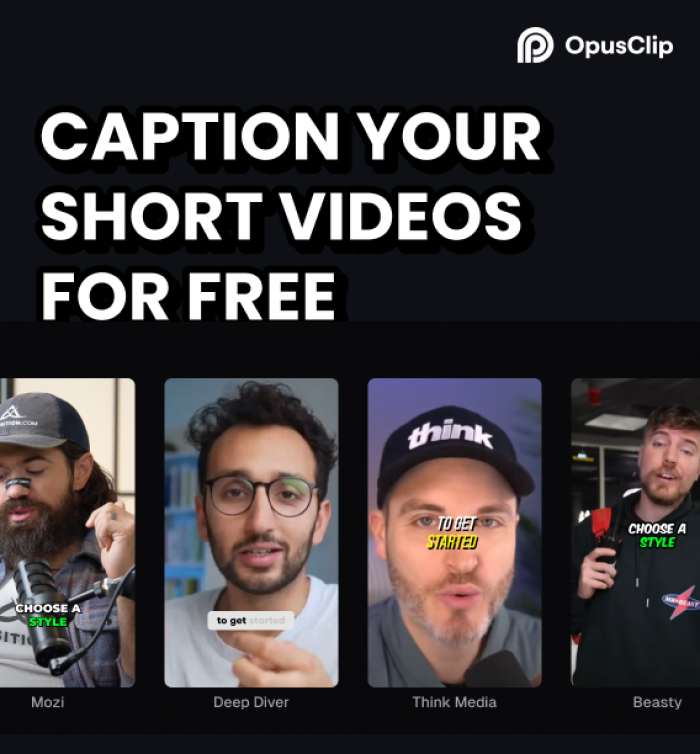
OpusClip approaches subtitles through content repurposing. Instead of only generating captions, the platform identifies potentially engaging moments from long-form videos and automatically converts them into short clips with subtitles included.
This workflow is extremely useful for podcasts, webinars, interviews, and YouTube channels trying to scale short-form distribution. AI handles clipping, reframing, speaker tracking, and subtitle generation simultaneously.
Its biggest advantage is speed at scale. Teams producing large amounts of video content can save enormous editing time. However, automated highlight selection is still imperfect. Human review remains important because AI-generated clips do not always capture the strongest context.
OpusClip Pricing
| Plan | Price |
| Free | Limited exports |
| Starter | Around $15/month |
| Pro | Around $29/month |
| Business | Custom pricing |
Browser-Based Subtitle Editors for Teams
These tools sit between creator apps and professional editing software. They work well for startups, agencies, educators, marketing teams, and collaborative workflows.
7. VEED
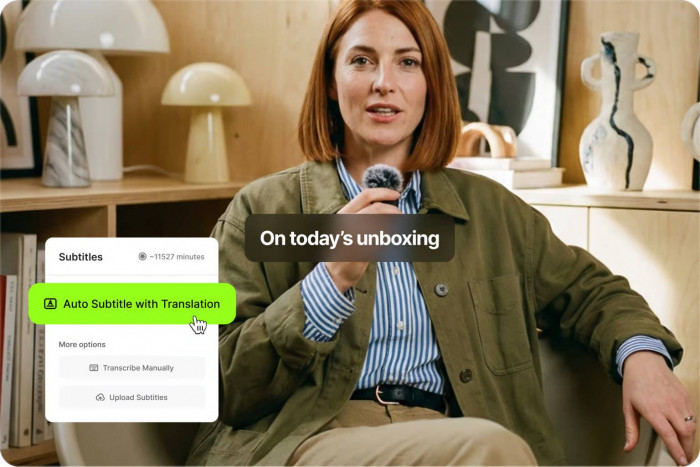
VEED has become popular because it combines subtitles, video editing, resizing, translation, templates, and screen recording into a browser-based workflow that feels approachable for non-editors.
Marketing teams often prefer VEED because they do not need to install professional editing software to produce decent subtitled content. Social managers, startup founders, and educators can upload a video, generate captions, edit mistakes, resize for multiple platforms, and export quickly.
The platform works best for medium-complexity workflows. Very large projects, advanced editing requirements, or heavy rendering tasks can start to expose browser-based limitations.
VEED Pricing
| Plan | Price |
| Free | $0 |
| Lite | Around $12/month |
| Pro | Around $24/month |
| Enterprise | Custom pricing |
8. Kapwing
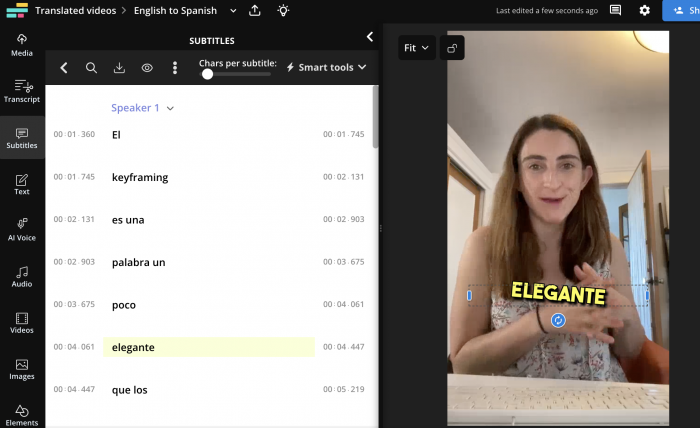
Kapwing leans heavily into branding and collaboration. It is especially useful for agencies and businesses that need subtitles to follow a consistent visual identity across multiple creators or campaigns.
The platform supports custom fonts, subtitle styling, templates, collaborative review workflows, social resizing, and browser-based editing. For teams without dedicated video editors, this lowers production friction significantly.
Its middle-ground positioning is both its advantage and limitation. Kapwing is more collaborative and accessible than professional editors, but less powerful for advanced cinematic editing or highly detailed production work.
Kapwing Pricing
| Plan | Price |
| Free | $0 |
| Pro | Around $24/month |
| Business | Around $64/month |
| Enterprise | Custom pricing |
Multilingual Subtitle and Localization Platforms
Global publishing creates a completely different subtitle workflow. These tools are designed for translation, dubbing, multilingual exports, and localization management.
9. Maestra
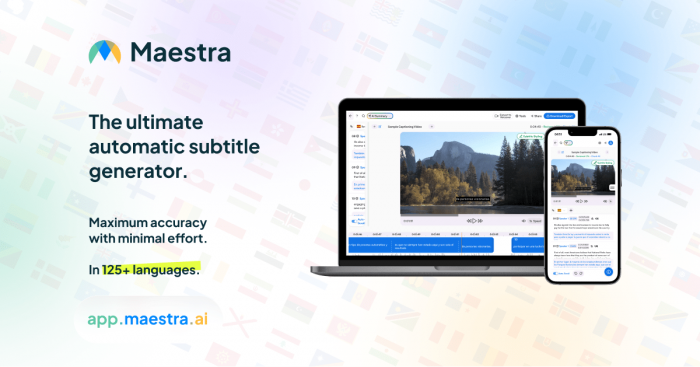
Maestra focuses on multilingual subtitle generation, transcription, AI voiceovers, and localization workflows. Instead of targeting casual creators, it is built more for businesses, course creators, media companies, and international publishing teams.
The platform supports subtitles and dubbing in large numbers of languages, which makes it useful for scaling content globally. Teams managing multilingual YouTube channels or online education libraries benefit most from this workflow depth.
The complexity can feel excessive for creators only making English-language short-form videos. Maestra is strongest when international distribution is part of the strategy.
Maestra Pricing
| Plan | Price |
| Pay As You Go | Around $12 for 60 credits |
| Basic | Around $39/month |
| Premium | Around $79/month |
| Business | Around $159/month |
10. Happy Scribe
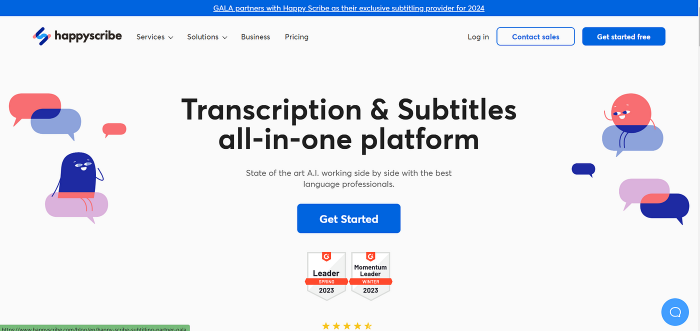
Happy Scribe focuses heavily on subtitle precision and professional transcription quality. The platform combines AI-generated subtitles with optional human proofreading services, making it more reliable for educational, documentary, interview, and enterprise-style content.
One of its strongest advantages is accuracy refinement. Many AI subtitle tools prioritize speed over correctness, while Happy Scribe leans more toward professional publishing quality.
However, it is not designed for flashy creator-style captions. The interface and workflow feel much more focused on clean transcript production than viral short-form editing.
Happy Scribe Pricing
| Plan | Price |
| Lite | Around €9/month |
| Pro | Around €29/month |
| Business | Around €89/month |
| Human-made services | Additional per-minute pricing |
Final Verdict
The subtitle generation market is no longer a single category. It has fragmented into very different workflows depending on the type of content being produced.
CapCut and Zubtitle are strongest for fast social publishing. Descript and Sonix work better for podcasts, webinars, and transcript-heavy editing. Submagic and OpusClip focus heavily on retention-driven short-form repurposing. VEED and Kapwing sit comfortably in the middle for collaborative marketing workflows. Maestra and Happy Scribe are better suited for multilingual publishing and professional localization.
The smartest choice is rarely the tool with the most features. It is the tool that naturally fits the kind of videos you already produce every week.